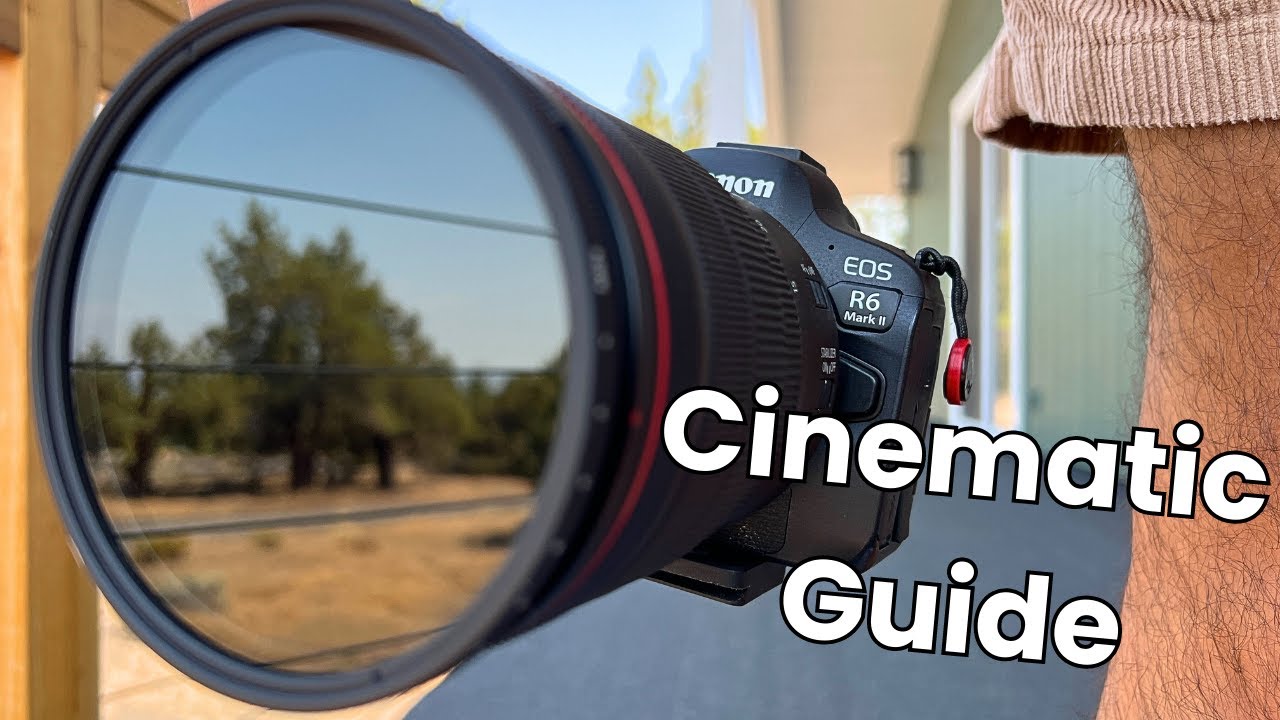
ITT I review the Canon EOS R6 Mark II mirrorless camera and document configurations used for integrating the camera into an open source ecosystem. Readers are invited to ask questions about the camera or offer tips as to how I may better use its features. This thread will be updated over time as I come to better understand the device.
This post contains affiliate links. This site receives commissions upon sales generated from such links. Thank you for your support!
About
This Canon EOS R6 Mark II is used as a webcam for the Dell Tower Plus Desktop and Latitude 7230 Tablet computers:
As a USBC webcam it offers 1080p at 30fps. 4K60 is possible using the HDMI mini output; however, doing so requires a separate HDMI capture card. While I was able to get this configuration working with OBS, Owncast struggled to keep up. I may update my Owncast deployment to accommodate higher throughput in the future, but for now I simply use the device over USBC at the lower resolution.
Accessories
I have added a few accessories to the device that allow it to easily be used at home or in the field with minimal transitional configuration needed:
The Sunpak tripod above was modified to be compatible with the Manfrotto monopod below, allowing for an easy transition from a sturdier tripod to the mobile monopod without screws or attachments.
A simple gimbal offers improved stability.
And a hot shoe adapter is needed to attach an audio interface:
Audio
The camera’s onboard audio has been disabled in favor of the Zoom H8, which is connected to the hot shoe using the 1/4 adapter listed above. It provides a professional audio interface to the same computers using a micro USB interface. A separate thread exists for the discuss of this device.
Software
I am primarily interested in using this device as a webcam for live streams on OBS and Owncast. This is largely achieved with a simple USBC connection; however, there is some additional software that might be worth exploring as I continue using this device.
Canon Connect App
I am able to pair R6 Mark II with my Latitude 7230 via bluetooth; however, Canon has implemented a proprietary API that makes further usage of the camera opaque if not entirely inaccessible. There is an existing project to reverse engineer Canon’s BLE protocol, which may be useful in unlocking some of these capabilities:
Canon Control API (CCAPI)
The camera control API is a RESTful API that will allow users to control compatible Canon cameras via HTTP commands. This allows user to control compatible cameras from almost any OS out there via WiFi. [1]
Custom software would probably be necessary to make use of the CCAPI. Given the Latitud 7230’s ability to function as a WiFi access point, it could be possible to interface with the API while in the field. I can imagine there being some interesting use cases for this, though I don’t have anything specific in mind at the time of writing.