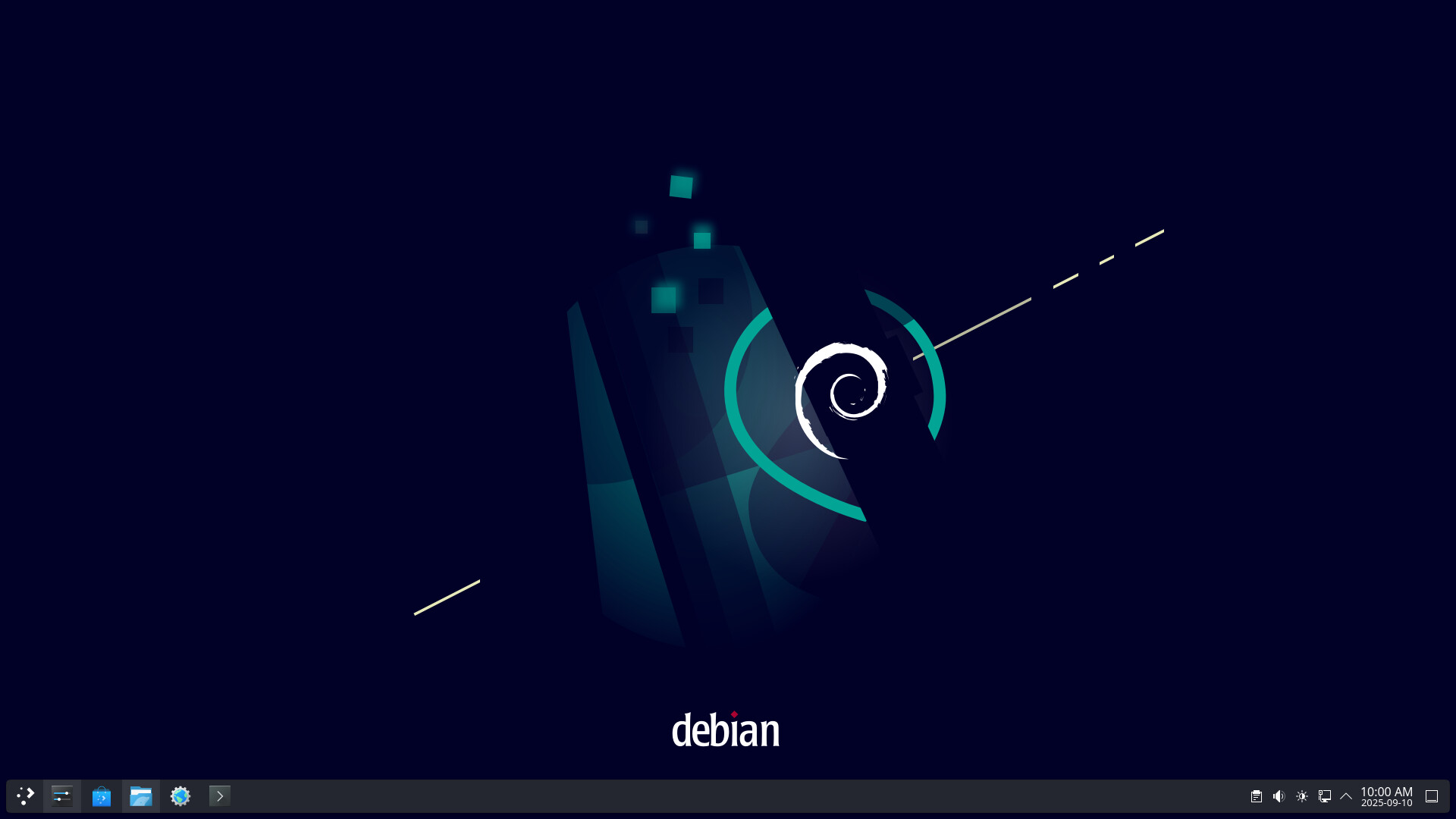
So I think I may have come to breaking point, but the sky is not falling, at least I still have options.
Let me put it to you in these terms: the original (250GB) SSD of my computer came with Windows installed and I later added a (2TB) HDD that is home to Proxmox and my virtual machine and self-hosting experimentation. The Windows system requirements is so bloated that I have only 60GB free space to work with.
So I put this to you:
Keep the Windows installation just in case there is software I need that can’t be run using WINE or isn’t available as a linux package?
Install Debian ‘Trixie’ 13 and adopt fully the open source / open community paradigm?
0voters
Please vote, and don’t hold back on your thoughts about this issue.
Thank you and have a great day.
Before I vote, I have a few questions: it sounds like this is a dedicated server, is that correct? Also, are there any specific applications you are wondering about? There are usually open source alternatives to proprietary applications, but it might be worth double checking.
I use Debian on all my machines so I definitely disagree here! In my mind, there is Arch, there is Debian, and then there are a bunch of other ones that are actually just Arch or Debian with preinstalled packages. Arch was my first distro, which was challenging but very informative - like moving to a foreign country to learn the language. Debian is much friendlier for beginners (comes with a desktop GUI).
@kritomas is making a good point, though, @Zephyr. There are different philosophies behind the package managers for each distro, so it is worth finding one that suits your use case. Debian’s default repos only contain free software - adopting fully the open source paradigm, as you put it. Arch doesn’t do much to distinguish between free and non-free software. Debian’s repos are also maintained for stability and security, whereas the Arch repos are the Wild West using the latest versions of everything on a rolling-release schedule.
I’m probably going to end up voting to make the switch, but its a matter of to what you are switching in my view. Do you just want an easy replacement for Windows? I call Ubuntu “The Windows of Linux”. Do you want to commit to the free and open source paradigm? Debian is like that by default. Do you want to do it all yourself and have the latest and greatest of all your apps? Arch.
Both Arch and Debian are well supported by their communities, so that really isn’t an issue; further, you can always come here for support as well. I’m currently using Debian, so that will be the easiest for me to support, but I have been thinking of moving to Arch on my personal devices and keeping Debian on the servers. I made a video showing the process of upgrading Debian (a fresh installation is much easier than this), and I could be tempted to make another for installing Arch myself if you were switching to that as well.
So before I had this desktop I was actually using a Windows 8.1 laptop and to lesser extent an Ubuntu 18.04 laptop. When the (HP) Windows machine slipped free the mortal coil I used the (Dell) Ubuntu machine for almost a full year. It is still a handy back-up, but the Snap Store does not care much for the age of the computer, moving ahead with support of more modern chips. Still, it works. Yay Linux!!
So I have been running a Debian 12 VM on my Proxmox drive for several months and I learned to like it well enough. Ubuntu Server comes in handy too. And if I really, really need to run a MS-Win program I think that there is a license free IoT version of Windows (but I will double check) that can be run as a VM.
Arch? Nix? Linux Mint? Yes, I’d like to experience those also. I will reserve a seat at the VM table for them. I can already tell you that QubesOS does not play well with Proxmox. Perhaps there is some technical fix but I need to keep both feet on the same road forward.
I became used to using the Synaptic package manager on Ubuntu and @eric is right in saying “default repos only contain free software”. That’s alright; I can live with that.I have variously used Snap, Flatpak, dpkg, AppImages, to varying degrees of success but simply using ‘sudo apt(-get)’ is gentler on my fragile intellect. (I’ll learn Esperanto one day, I swear! )
I hope that clears up a few things. Thanks to you both for the input and questions – much appreciated!
Actually surprised by how often I had to turn to Flatpak to when the apt commands refused to install software. I suppose I should look into doing my own compiling from source code to keep installs up to date. Had a bit of a problem with the Element flatpak as it assumes the keyring is already in place. I should have that sorted soon. But yes, much more responsive with SSD space for my digital hoarding to spare. Did I mention that I can mount this drive in Prox and move files around between the 2 drives? So nice! Any way, still have some set-up to do.
Very nice! I have the same wallpaper on my server (I think its the default). I like FlatPak, its just that I already have most of my packages through apt. I want consistency, but think I should have gone all FlatPak rather than all apt. Red Eclipse, for example.
So far the experience has been quite smooth and hardly any hassle. I use a small number of apps directly from the CLI but the rest are easily usable from the Application Launcher. No issues with my VPN or other network business. Plays nice with my external drives and the Proxmox install.
So, yeah, a good decision and I feel good about it.
 )
)